ETS Organization Logo
Lecture Companion Resource

ETS South
CPD Event

A practical, interactive guide detailing how to get into AI, latest AI tools, and enterprise-grade AI execution pipelines.

Workshop
ETS South CPD
Audience
ETS Branch Officers & Personnel
Section 01

The Career Pivot: Show, Don't Tell

Transitioning from mechanical engineering to AI required shipping functional products that demostrated my skills, even if I didn't have the experience.

Phase 1: Motorsport

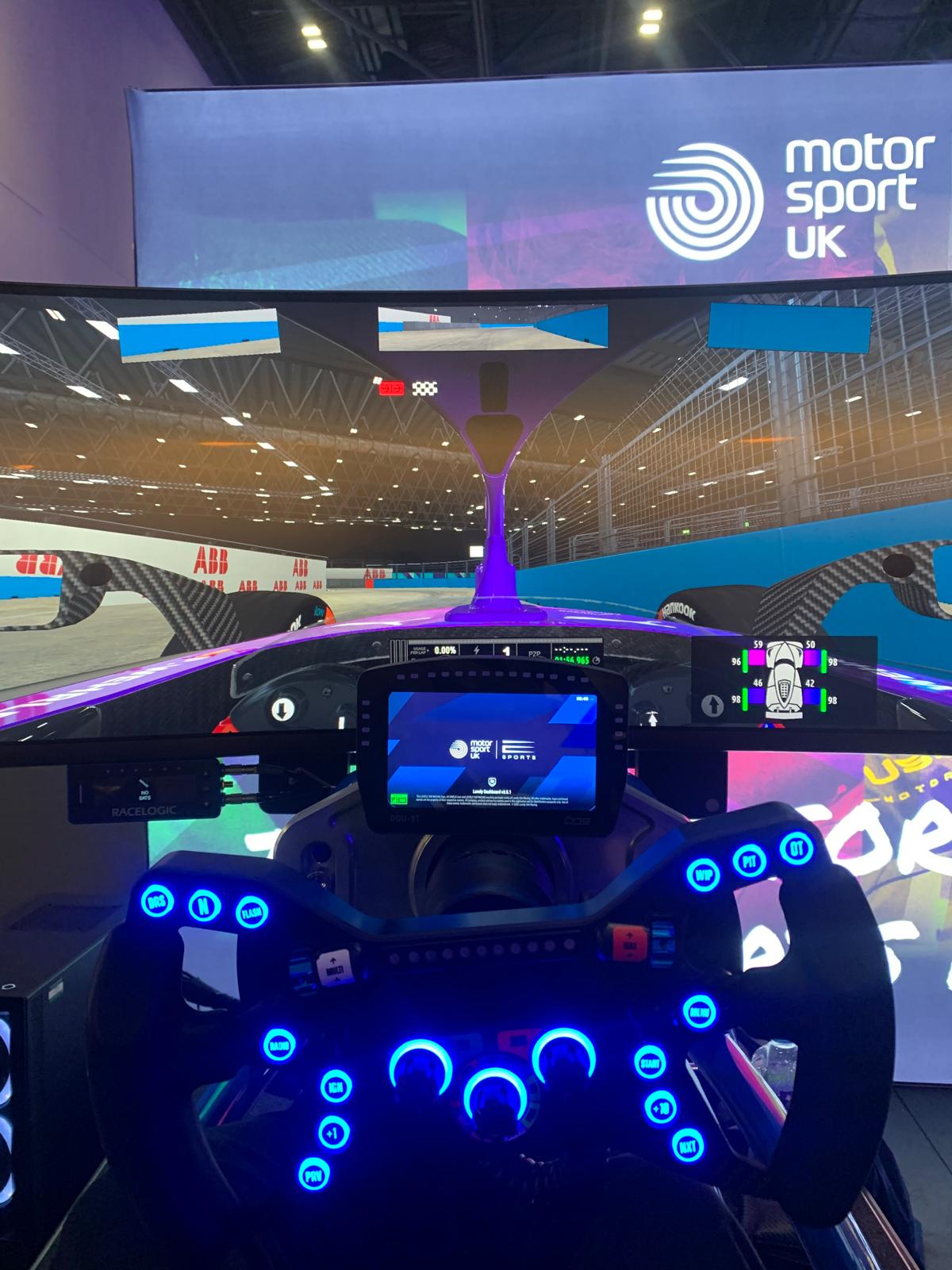
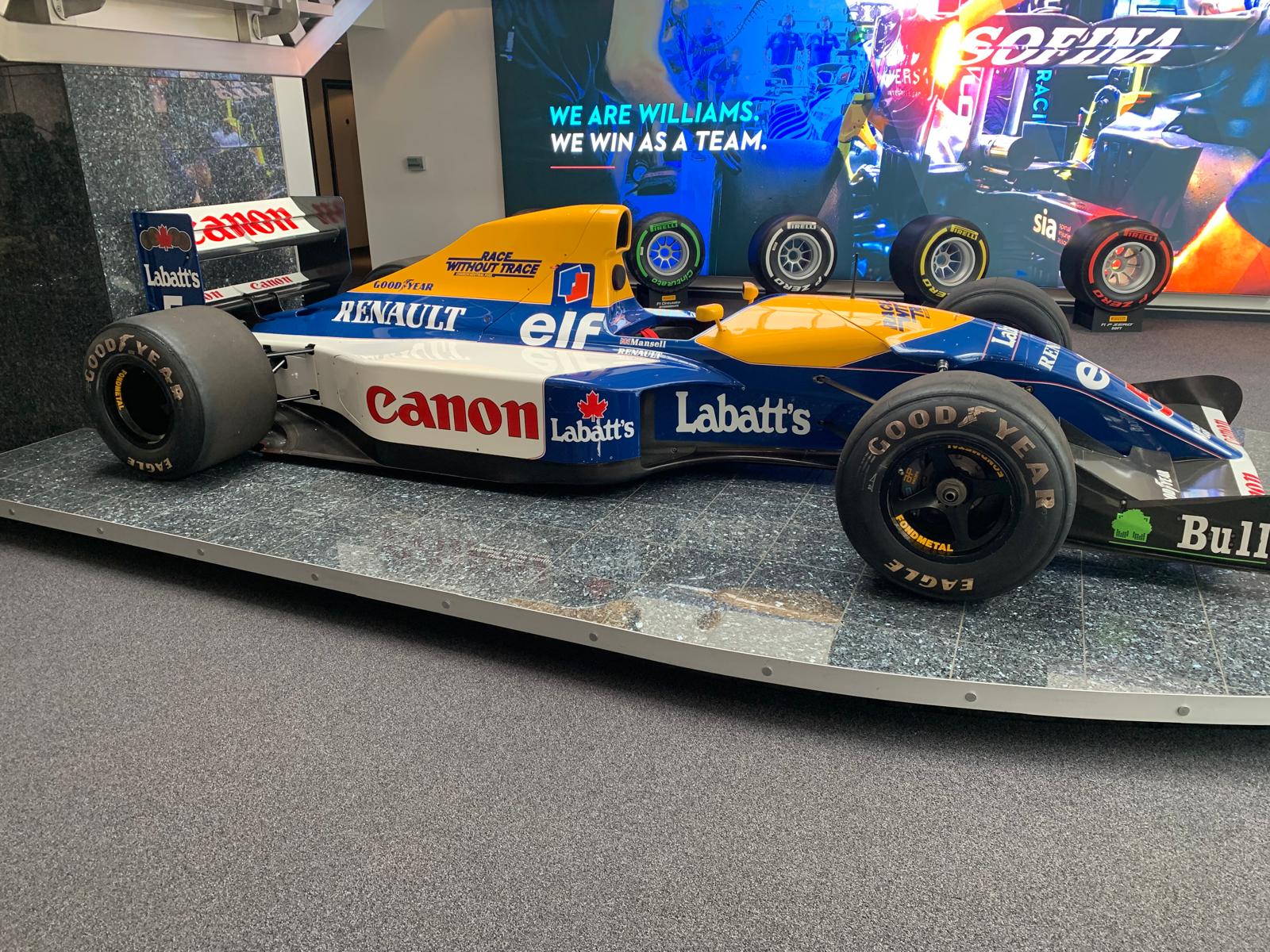
Williams Racing & F1

High-Performance Telemetry

01

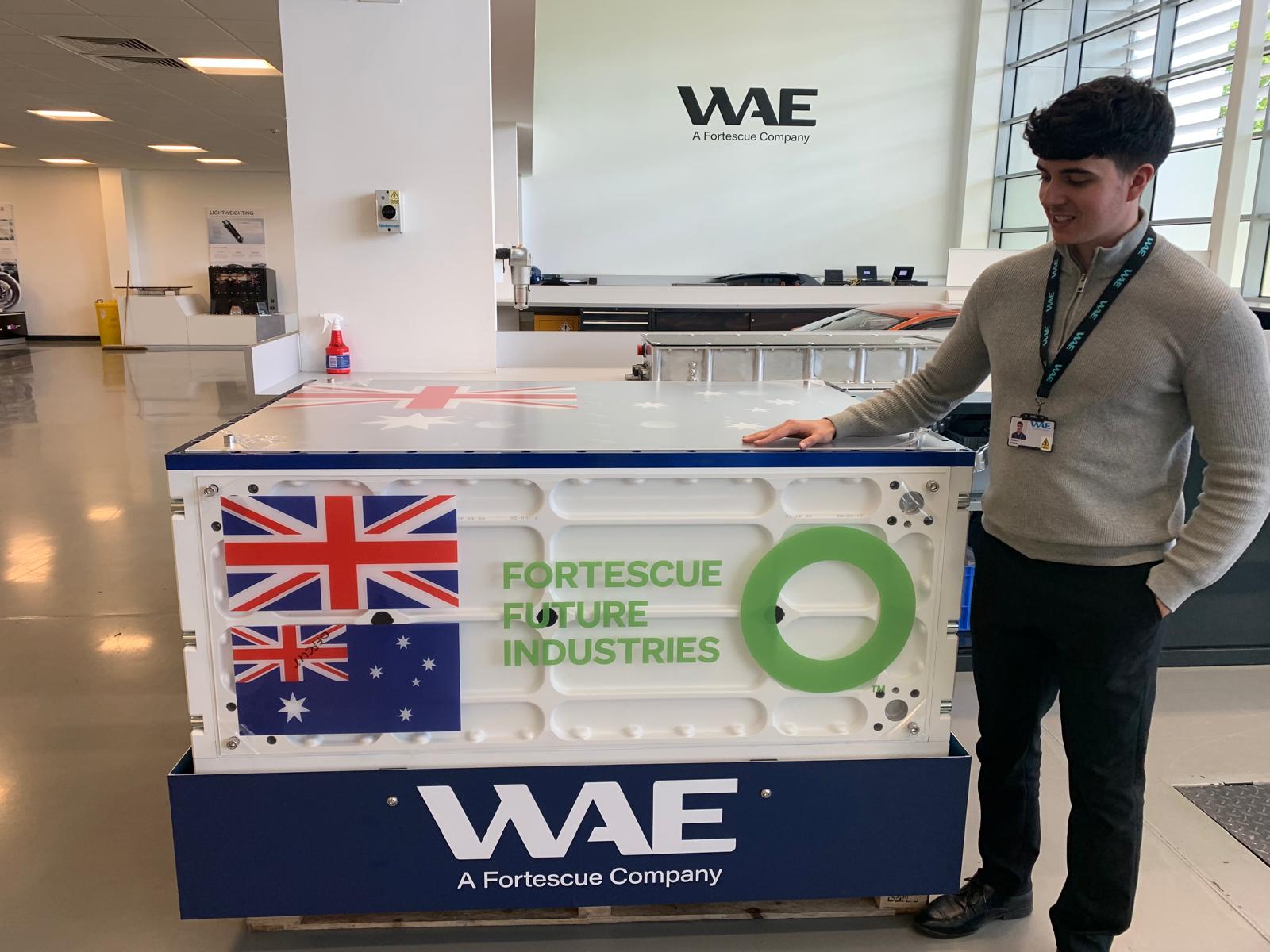
Williams Advanced Engineering and Fortescue Zero

Building Renewable Energy Power Systems for Vehicles
2022 - 2025

Placement and Graduate Scheme across Project Management, Mechanical Systems, Design, AI & Data

Working across Formula E, Motorsport, the first Battery Electric and Battery Electric Hybrid Hydrogen Fuel Cell Mining Truck


  • Automations
    Built data processing scripts and automation workflows for material control - tracking stock levels and suggesting order quantities.
  • Project Delivery
    Project managed stakeholders across departments and senior management on build progress and delivery status.
  • TCO
    Involved in new battery cell chemistry Total Cost of Ownership workshops - assessing performance gain vs upfront and operational cost and complexity.
02

Consulting & Lecturing

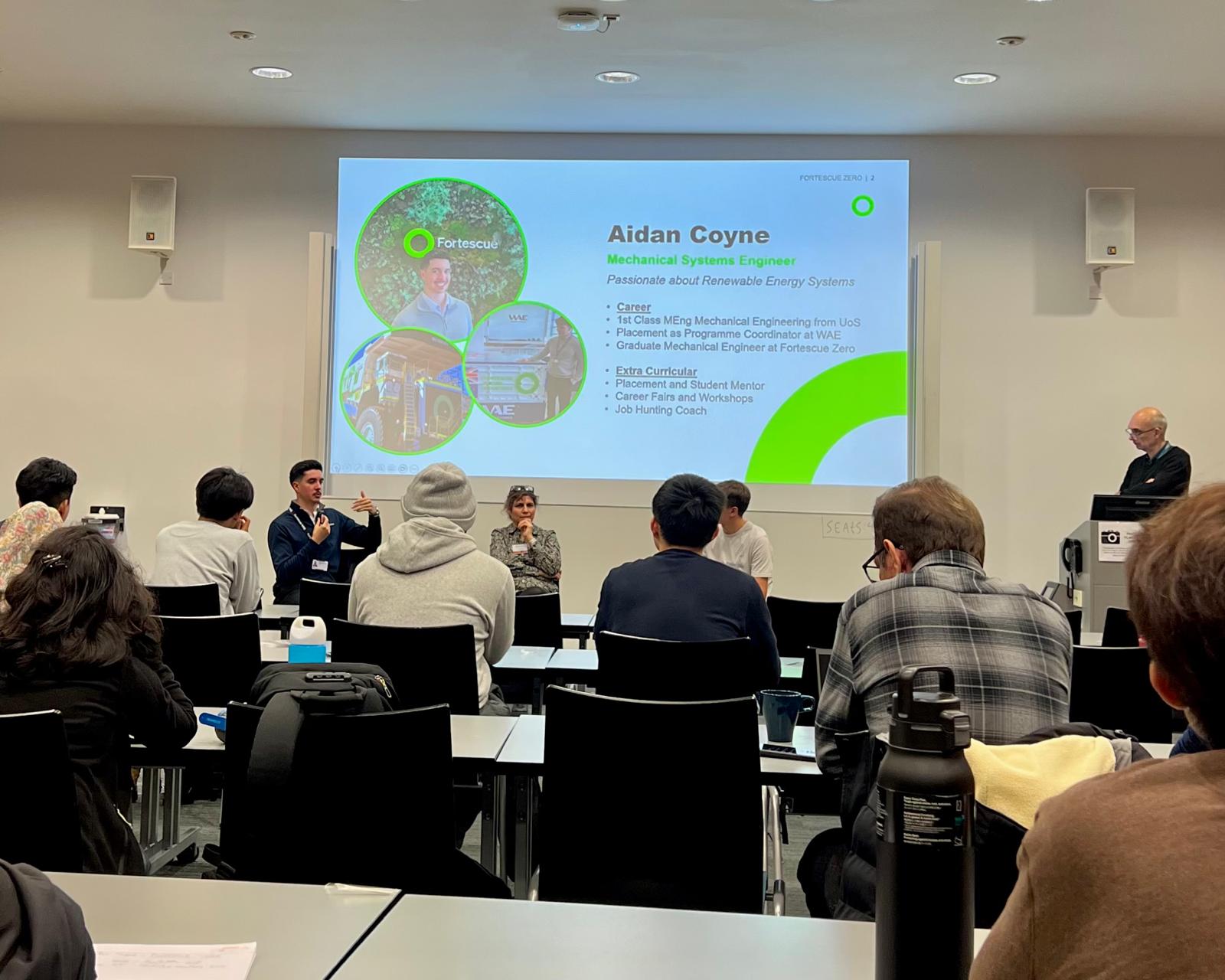
Advisory Panels & Career Acceleration Workshops
2024 - 2025

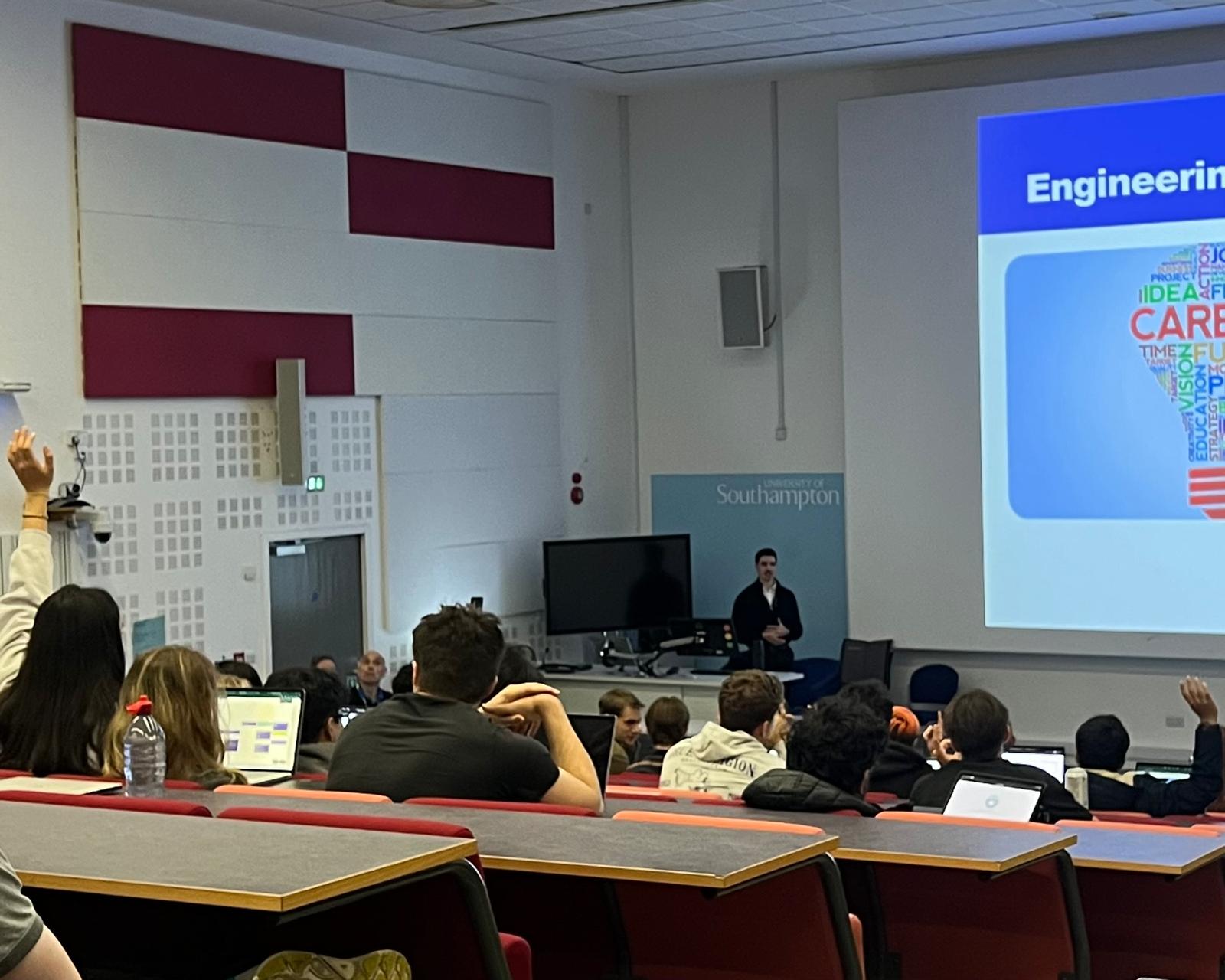
Advocate for more students completing a placement year at University and gave lectures to students on career opportunites when you have a Mechanical Engineering Degree.

  • Public Building
    Focused on the skills students gain from their degree to help guide their career path, also took teams through how to ace interviews
  • Educational Delivery
    Also I was a mentor to students looking for placement and jobs and I ran workshops for GCSE students looking to enter Engineering
03

Full Transition: The Interactive Portfolio

Shipping Live Apps to Command Attention
Active

Consolidating proof of work into an interactive landing page featuring functional apps.

  • Functional Proof
    Publishing apps, testing and updating overtime, codebases, and systems, to help students get the most value.
  • Rapid Prototyping
    Combining front-end frameworks with serverless endpoints to test ideas in hours, not weeks.
Section 02

AI Adoption Evaluation

Auditing new AI deployments past marketing hype requires focusing on three core vectors to ensure safety, return on investment, and operational scale.

🛡️

1. Autonomy & Risk

Evaluating how much decision-making power is delegated to the model and what guardrails exist.

  • Low Risk Mode Copilot Assistive Low Human checks every line, code execution, or email output before sending.
  • High Risk Mode Headless Agents High Background workers running API tasks autonomously. Requires rigorous evals.
📊

2. Total Financials

Assessing upfront build and implementation costs and operational costs.

  • Software Costs Licensing & Subscriptions Upfront seat license fees (e.g. $30/user/month for Microsoft Copilot Pro).
  • Runtime Consumption Token Cost Tracking Pay-as-you-go model APIs (input/output tokens, serverless computing runs).
📈

3. Real Business Value

Moving past metrics like "hours saved" towards measurable operational value.

  • Core Objective Capacity Expansion Using AI automation to scale the volume of outputs rather than cutting team members.
  • Key Metric Return On Investment Measuring Revenue gained, Cost saved, uptime of the product - is it providing value consistently.
Section 03

The AI Product Delivery Pipeline

A structured pipeline to allow for a consistent process for developing, testing and operating AI Products.

STEP 01

Discovery & Process Audit

Understand the existing process, what does the data look like? Unstructured SharePoint, messy raw PDFs, Excel, Word etc, do I have access?


Map out the channel where the user consumes the AI output (Chat bot, Web UI, or scheduled background automation).

Data Inventory UI Layout Wireframe
STEP 02

The Sandbox (Synthetic Data)

Isolate new, untested LLMs or AI Tools in offline sandboxes using entirely mocked or synthetic files. Avoid passing any customer data or hitting production databases.

Synthetic Generator Mock APIs
STEP 03

Tenant Development & AI-Eval

Promote to company development environments connected to active data sources. Run automated testing scripts utilising "LLM-as-a-judge" patterns to test output accuracy, system alignment, and edge-case resilience.

LLM-as-a-Judge RAG Evals
STEP 04

User Acceptance Testing (UAT)

Distribute the prototype to a small team of domain subject-matter experts. Track user adoption rates, capture explicit formatting critiques, and strictly monitor usage to prevent early abandonment.

User Feedback UX Audits
STEP 05

Production Launch

Promote the system to active corporate tenant. Assess product performance as users scale, can the product handle 100 users, are costs as expected.

Scaling Optimisation
STEP 06

Observability & Monitoring

Track live token consumption, execute regular prompt evaluations to detect product output drift, Review regularly with the users and business to assess product value.

Product Value Cost Analytics
Section 04

Maximising Microsoft Copilot

Learn how to configure and use Copilot across Microsoft apps to improve efficiency.

🔑 Enterprise Licensing: Free vs. Premium

Understanding what is accessible depending on your organisation's Microsoft account configuration:

Free Enterprise Accounts (Web Chat)

  • Access to Copilot chat via work accounts.
  • Commercial Data Protection: Microsoft does not retain or train models on your uploaded chat contents.
  • Basic Integration within Office 365 desktop apps.
  • Web search and image generation capabilities.

Premium Enterprise (M365 Copilot)

  • Native integration across all Office 365 applications.
  • Tenant Grounding: Cross-references files stored in SharePoint, OneDrive, emails, and active Teams chats.
  • Access to Copilot Studio to build custom, departmental plugins.
  • Early access to new copilot features, models, agents and integrations
M365 Copilot Logo

M365 Copilot App

  • Universal Work Search Search across OneDrive, emails, and Teams chats: "Find recent updates on Project Atlas."
  • Daily Preparation Prompt: "What are my meetings today? List action items and summarize related files."
  • Content Drafting Build simple agents using copilot agent builder.
Microsoft Excel Logo

Copilot in Excel

  • Generate Data Ask copilot to generate datasets or access the interent to extract data.
  • Data Analysis Prompt: "Analyse the dataset, identify trends to generate graphs and exeutive summary"
  • Clean Data Prompt: "Analyse the dataset, flag any anomolies and inconsistencies in the data"
Microsoft Word Logo

Copilot in Word

  • Reference Documents Draft custom outlines by referencing up to 3 existing documents using the "/" command.
  • Tone Adaptation Prompt: "Rewrite this draft into a direct, professional memo suited for executives."
  • Summarise File Instantly extract key takeaways, agreements, and next steps from dense transcripts.
Microsoft PowerPoint Logo

Copilot in PPT

  • Doc-to-Presentation Prompt: "Generate a 10-slide deck based on the outline in document /Q3_Strategy.docx."
  • Reorganize Slides Command: "Group these slides into sections and add a summary slide at the front."
  • Visual Layout Quickly change images and text layouts using context prompts.
Microsoft Outlook Logo

Copilot in Outlook

  • Email Thread Summary Catch up on long, multi-person email chains with bulleted chronological summaries.
  • Coaching Mode Review draft emails for tone, clarity, and potential reader misinterpretations.
  • Quick Replies Generate polite, detailed replies based on brief rough notes.
Microsoft Teams Logo

Copilot in Teams

  • Meeting Catchup If arriving late, prompt: "Summarise what has been discussed so far"
  • Decision Logs Ask: "What decisions were finalised during this call, and what tasks were assigned?"
  • AI Recording Prompt: "Ask copilot to record the meeting, it will create a summary of the key discussion ."
Section 05

AI Agents & Autonomous Workflows

Discover the core structural transition from simple reactive chat assistants to proactive, autonomous execution systems.

Chatbot / Copilot

A reactive assistant acting purely as a second brain for a single user.

  • Reactive Model: Only responds when directly prompted by a human.
  • Single Turn: Takes an input prompt, outputs a completion, then waits.
  • Manual Execution: The user must copy-paste, download files, and speak to chat for every request.
  • Short Memory: Limited mostly to the current chat session context window.

AI Agent

An autonomous system configured to achieve a goal independently using tools.

  • Proactive Action: Loops through planning steps to achieve a goal.
  • Multi-Step Loops: Runs continuously, evaluating errors and correcting course.
  • Tool Execution: Directly calls web searchers, runs python code, and writes files.
  • Persistent Memory: Logs checkpoints and references historic databases.

🧱 The Anatomy of an AI Agent

📥

1. Inputs & Goals

User-defined objective, initial context, files, or trigger events.

🧠

2. The Core (LLM)

Instructions: Constraints & rules.
Model Selection: Reasoning capacity.

🛠️

3. Knowledge & Tools

Grounding data (SharePoint) + action tools (Web search, code execution).

📤

4. Outputs

Structured deliverables: compiled reports, updated databases, alerts.

Human-in-the-Loop (HITL): Critical safety pattern where high-risk actions (e.g. database commits, sending external emails) pause the agent loop to request explicit human confirmation.

⚡ Interactive Agent Loop Simulator

Select a workspace scenario below and click "Run Agent" to watch inputs, tools, and decisions flow dynamically in real time.

Agent Console
📥 Prompt Input:
Extract total revenue from Q3_Report.pdf and flag discrepancies with general_ledger.csv
📄 Q3_Report.pdf 📊 general_ledger.csv
🖥️ Execution Logs:
[Ready] Select a scenario and press "Run Agent" to start.
👤
User / Client
🧠
Agent Core (LLM)
Idle
📚
Knowledge Grounding
SharePoint Docs
🛠️
Action Tools
Python Executor
📄 🔍 📄 🛠️ ⚙️ 📊
Section 06

Model Comparison Matrix

Navigating the LLM landscape. Understand the trade-offs in costs, licensing, and task suitability when picking the engine for your app.

🪙 Cost per Million (M) Tokens

Providers charge based on Tokens, three steps cause tokens to be consumed: Input, Model Thinking, Output.

Input tokens are the prompt and grounding files you feed the model.

Output tokens are made up of the thinking tokens and then the direct response to the user.

For high-volume agents, minimising output length, thinking steps and choosing lightweight models dramatically scales financial viability.

🔓 Closed vs. Open Source

Closed Source (GPT-4o, Claude): Hosted by third parties. for consumer there is zero infrastructure management, , but data leaves your secure servers (unless under enterprise tenants). Also you pay each time the model is called.

Open Source (Llama, DeepSeek, Kimi): You download the model. Runs inside your secure perimeter, zero third-party data leak risk, zero cost when calling the model, but requires local GPU hosting infrastructure and higher energy costs to run models locally.

Model Family Sub Model Cost / 1M Tokens
(Input / Output)
License Type Performance Benchmarks
Context Window Reasoning (GPQA) Coding (HumanEval) Knowledge (MMLU) Speed (Tokens/sec)
ChatGPT Family
OpenAI
5 Nano (Cheapest) $0.05 / $0.40 Closed 400K 45% 75% 78% ~180 (Ultra Fast)
5.4 (Popular) $2.50 / $15 Closed 1M 55% 88% 88% ~90 (Fast)
5.6 Sol (Latest) $5 / $30 Closed 1M 75% 96% 94% ~30 (Moderate)
Claude Family
Anthropic
4.5 Haiku (Cheapest) $1 / $5 Closed 200K 50% 85% 82% ~85 (Fast)
4.8 Opus (Popular) $5 / $25 Closed 1M 62% 92% 90% ~40 (Moderate)
5 Fable (Latest) $10 / $50 Closed 1M 78% 97% 95% ~25 (Moderate)
Gemini Family
Google Cloud
2.5 Flash (Cheapest) $0.30 / $2.50 Closed 1M 40% 72% 75% ~200 (Ultra Fast)
3.5 Flash (Popular) $1.50 / $9.00 Closed 1M 48% 80% 80% ~170 (Ultra Fast)
3.1 Pro (Latest) $4.00 / $18.00 Closed 1M 68% 90% 92% ~45 (Moderate)
Kimi Family
Moonshot AI
Kimi Cheap (Cheapest) $0.70 / $0.70 Open Source 256K 35% 68% 70% ~90 (Fast)
Kimi 3.3 (Latest) $3.00 / $15.00 Open Source 1M 58% 84% 85% ~35 (Moderate)
DeepSeek Family
DeepSeek
V3 (Cheapest) $0.14 / $0.28 Open Weights 128K 59% 83% 89% ~120 (Fast)
R1 (Popular) $0.55 / $2.19 Open Weights 128K 72% 93% 91% ~30 (Moderate)
Section 07

Emerging AI Tech & Developer Tools

The software engineering landscape is shifting rapidly. Here are the leading platforms transforming developer workflows today.